Skip to content

Guidelines for creating safe, clear, and consistent in-car radio experiences.

These guidelines help broadcasters and vehicle manufacturers deliver a consistent, safe, and enjoyable radio experience for drivers.

Choose your pathway to get started.

Whether you’re designing a screen layout, authoring broadcast visuals, or developing metadata, this system will guide you through creating a clear, accessible, and user-focused experience that feels natural for drivers.

Vehicle Manufacturers

Product Managers, UX Designers, Radio Engineers

Learn how to present radio functionality in a way that feels familiar to drivers and fits your brand’s HMI design. You’ll find guidance on layouts, typography, accessibility, and interaction — all designed to ensure radio feels intuitive and cohesive across every vehicle.

Radio Broadcasters

Product Managers, Visual Designers, Broadcast Technologists

Discover how to author and deliver broadcast content that enhances the in-car experience. From logo formats and slideshows to text updates and metadata triggers, you’ll learn how to make sure your station looks and performs beautifully in any vehicle interface.


Overflowing with useful features

Radio remains one of the most trusted and accessible media formats — but as car dashboards evolve, so must the experience.

A shared approach ensures:
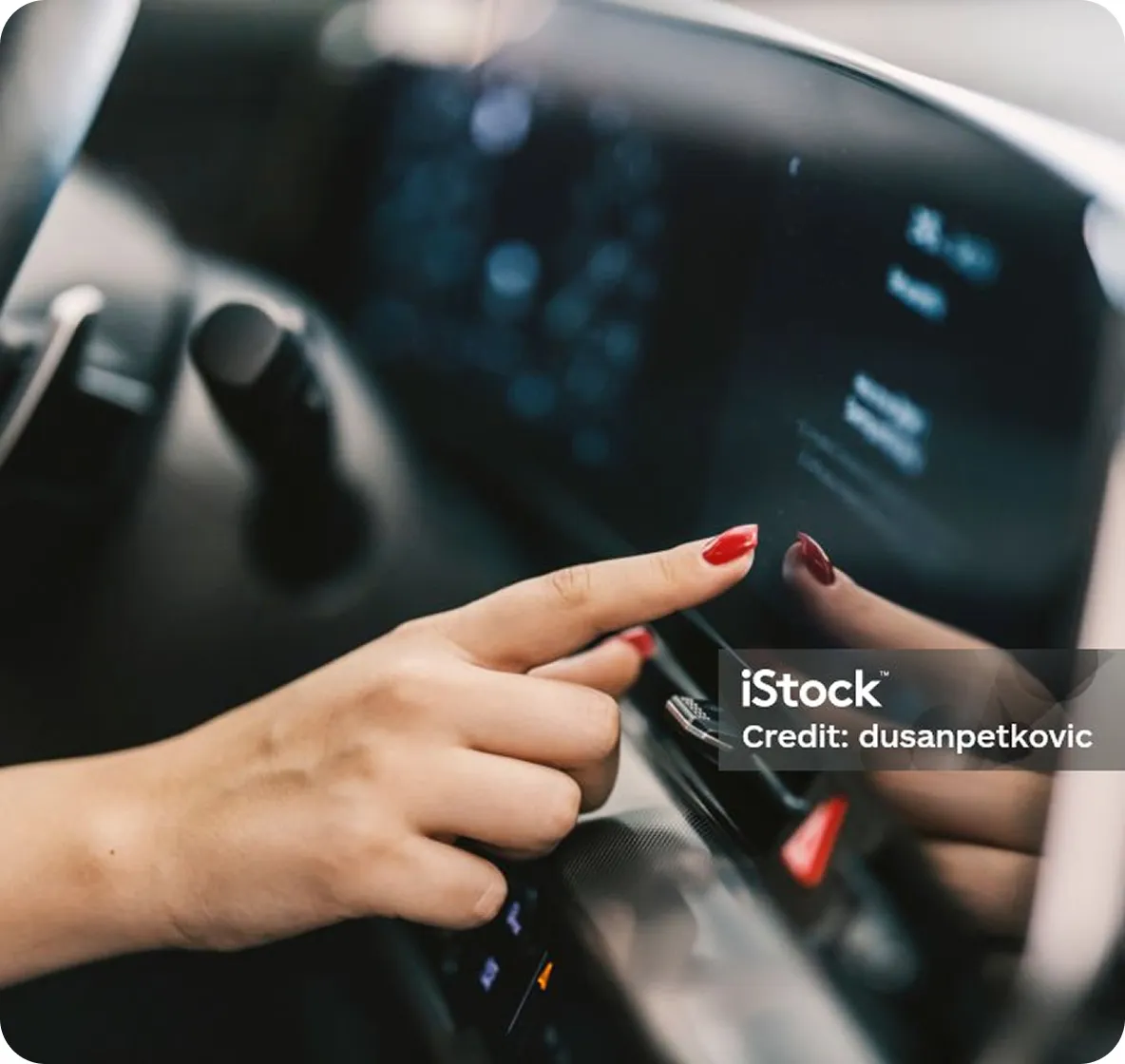
A car dashboard showing radio features

Familiarity

Drivers know how to use it immediately.

Clarity

All information is readable at a glance.

Consistency

Radio looks and works reliably across systems.

Safety

Interfaces support attention on the road, not the screen.

Broadcaster FAQs

What is the purpose of this application?
This application is designed to help users manage their tasks efficiently and effectively.
How do I create an account?
You can create an account by clicking on the Sign Up button on the homepage and filling out the required information.
Is there a mobile version of the application?
Yes, our application is available on both iOS and Android platforms.

Manufacturer FAQs

What is the purpose of this application?
This application is designed to help users manage their tasks efficiently and effectively.
How do I create an account?
You can create an account by clicking on the Sign Up button on the homepage and filling out the required information.
Is there a mobile version of the application?
Yes, our application is available on both iOS and Android platforms.